
How we built Quicktalog: OCR and GPT for turning paper menus into digital catalogs in 30 seconds
A technical walkthrough of how we combined Tesseract OCR with OpenAI to let small businesses digitize a printed menu in under a minute, and what we learned along the way.
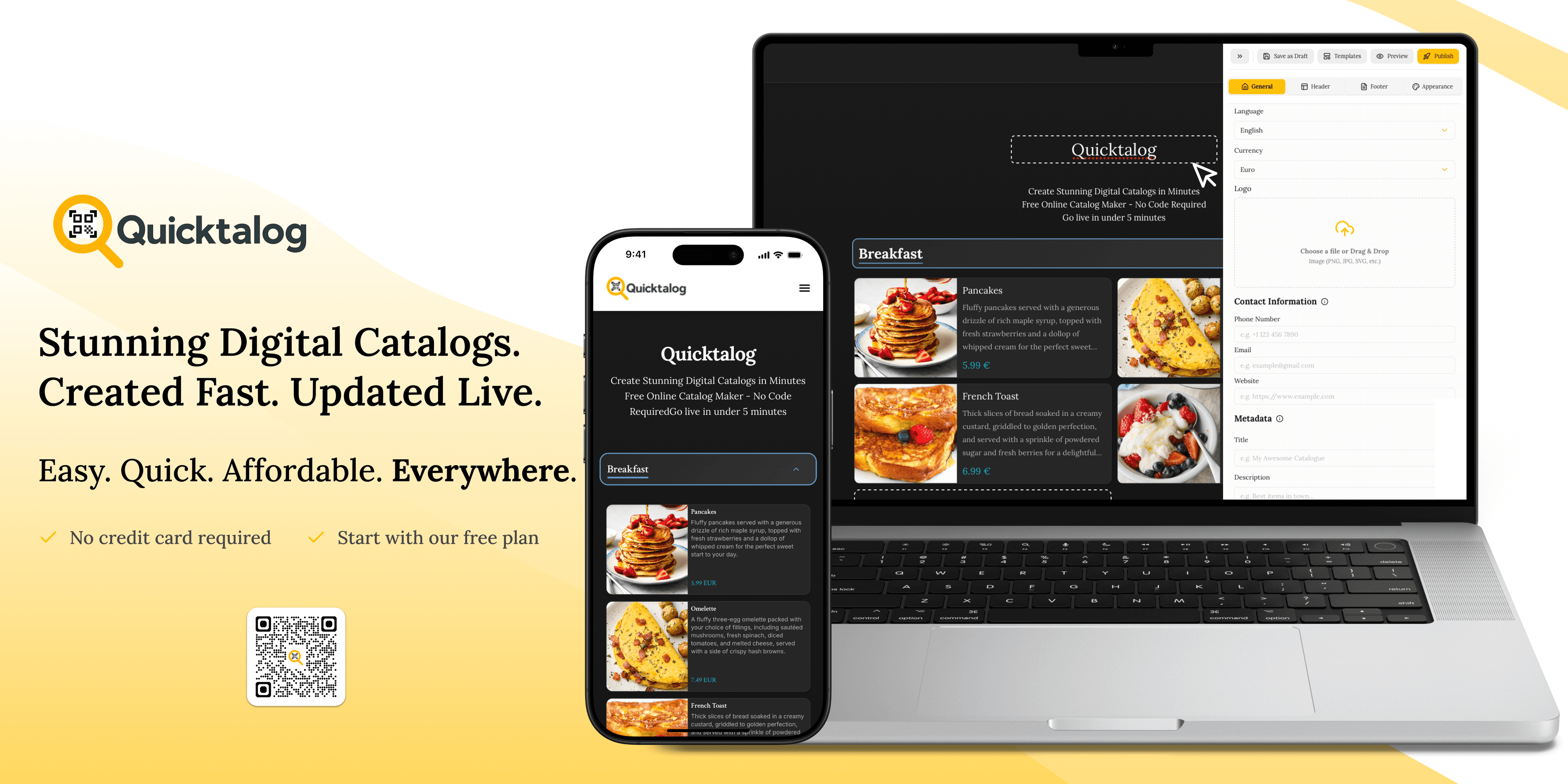
When we started building Quicktalog, we had a simple thesis. Most small and mid-sized businesses still run their catalog on paper or a PDF, and every update means a reprint. We wanted to cut the time from having a printed menu to having a shareable digital catalog down to under a minute. Today, 1,400+ businesses have created 400+ catalogs that have been viewed over 100,000 times. Here is how the technical pieces fit together.
The problem, concretely
A typical restaurant or retail shop we talked to had:
- A printed menu or price list, often a scanned PDF.
- No desire to type every product into a form. That alone was a showstopper.
- No analytics, so they could not tell which items customers actually looked at.
- A reliance on WhatsApp and Instagram DMs for sharing, so the output had to be a link, not an app install.
The data-entry friction was the real blocker. If we could remove it, the rest was a solved problem.
The pipeline
At a high level, uploading a photo or PDF of a menu runs through four stages.
- Preprocessing. Deskew, contrast boost, and binarization so Tesseract has a clean input.
- OCR. Tesseract extracts raw text regions with positional hints.
- LLM structuring. GPT turns raw text into
{ name, description, price, category }objects. - Catalog assembly. Structured data flows into the catalog builder, with images stored in S3.
Why Tesseract over a cloud OCR API
We looked at Google Cloud Vision and AWS Textract early on. Both are excellent on accuracy, but the per-document pricing added up fast for a price-sensitive product aimed at small businesses. Tesseract running on our own infrastructure gave us acceptable accuracy after preprocessing, at zero marginal cost.
The trick was the preprocessing step. A raw phone photo of a menu, with glare, a slight tilt, and uneven lighting, is unusable for Tesseract. After rotating, normalizing contrast, and thresholding, we saw accuracy jump from roughly 60% usable to 90%+ on real user uploads.
Making GPT the structuring layer, not the OCR layer
A tempting shortcut is to send the raw image straight to a vision model and skip OCR entirely. We tried it. It works, but there are three problems.
- Latency is 3 to 5 times higher per image.
- Cost is 10 to 20 times higher per document.
- You cannot cache or regenerate structure without re-running the vision pass.
Splitting the concerns, deterministic OCR first and then an LLM to structure the text, gave us a cheaper, faster, more debuggable pipeline. The OCR output is cached. Only the structuring step re-runs when we tune the prompt.
Prompt design for consistent JSON
The structuring prompt is simple but hardened. Three things made the biggest difference.
- Enforce a schema. We use OpenAI's structured output mode with a strict JSON schema, so the model cannot hallucinate extra fields.
- Examples in the prompt. Three or four few-shot examples of messy OCR input paired with clean structured output.
- Validate and retry once. If parsing fails, we retry with a repair prompt that includes the parse error. One retry is enough 99% of the time.
The stack
- Next.js and TypeScript on Vercel for the builder and catalog viewer.
- PostgreSQL for structured catalog data and engagement analytics.
- AWS S3 for uploaded and generated product images.
- Tesseract in a worker process for OCR.
- OpenAI API for structuring and product description generation.
What we learned
Three things stand out.
- AI is a last-mile tool, not the whole pipeline. The most valuable wins came from preprocessing and caching, not from a bigger model.
- Small businesses want links, not apps. Every feature that depended on an app install died. Every feature that worked in a WhatsApp share took off.
- Analytics convert. Showing a business owner that their top product got 312 views last week changed the conversation from "is this worth it" to "how do I get more traffic."
Want to build something similar?
We build products like Quicktalog for ourselves, and as Reactify Solutions for clients. If you are thinking about an AI-powered product with real data entry friction to remove, we would love to compare notes.